Change Password
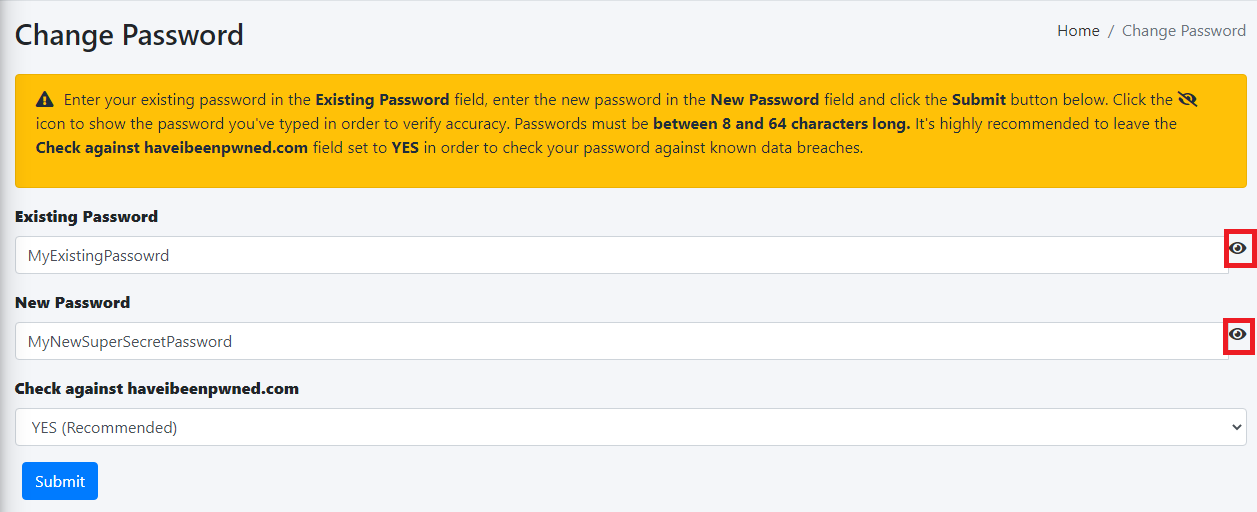
In this page, you can change your Self-Service Portal Password.
- In
the the Old Existing Password field, enter your existing password.
password, Inin the
New Password field, enter the new password you wish to use (passwords must be at least 8 characters
long,long). includeIdeally bothleave upperthe Check against haveibeenpwned.com drop-down set to YES in order to check your password against known data breaches and
lower case letters, numbers and any ofclick the
followingSubmit specialbutton. characters ?!$@*()%^).
InClick the
Verify
Newicon Password field,next enterto your newthe password
again.fields Clickto onshow the Changethe Password buttonpasswords you've typed in order to verify accuracy (
Figure 1)
.:
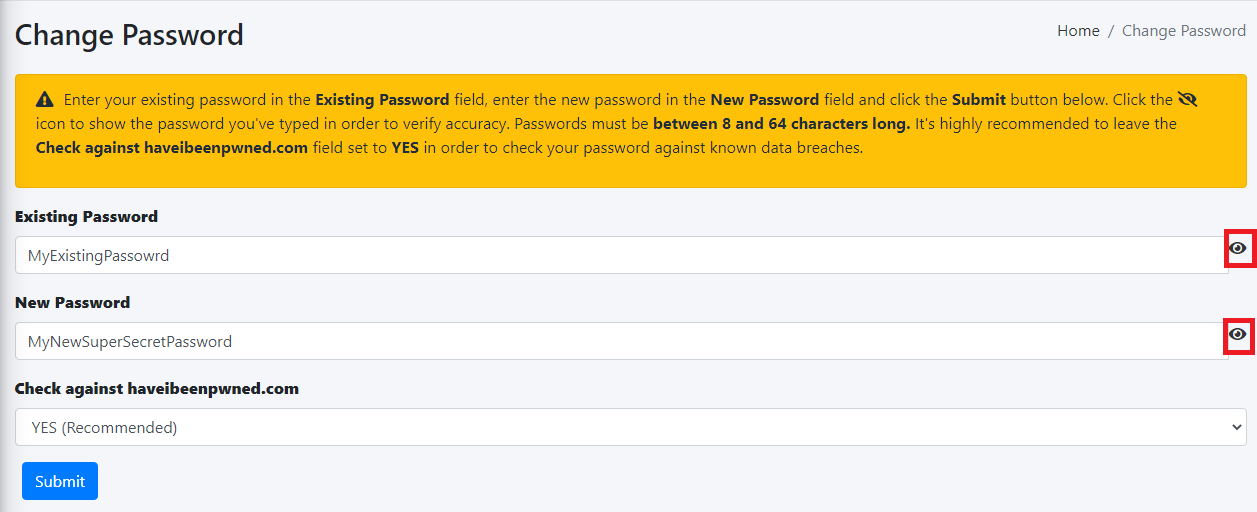
Figure 1