
System Settings
- postmaster@domain.tld ---> someone@otherdomain.tld
- abuse@domain.tld ---> someone@otherdomain.tld
- root@domain.tld ---> someone@otherdomain.tld

- In the Postmaster E-mail Address field enter the email address you want to use
- In the Admin E-mail Address field enter the email address you want to use
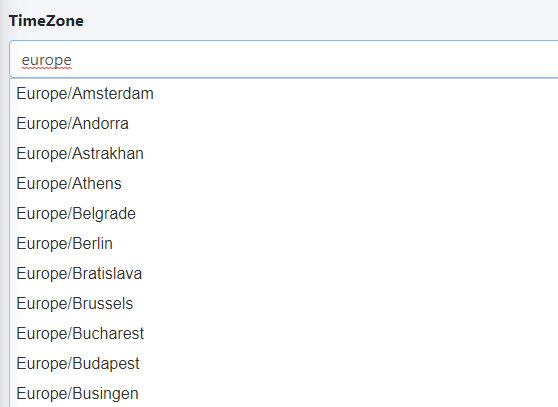
- In the TimeZone field, set your local timezone by deleting the default America/New_York and start typing the name of your continent. The system will automatically display a drop-down with all the relevant timezones for your continent (Figure 2).
- Hermes SEG unique system ID
- The total number of Internal Recipients (NOT the actual internal recipients)
- The total number of Domains (NOT the actual domains)
- The total number of Virtual Recipients (NOT the actual virtual recipients)
- Hermes SEG version
- Hermes SEG build
- Hermes SEG timezone
- Hermes SEG edition
- Whether or not you use the internal build-in certificate for the Console or SMTP (NOT the actual certificate)
- The total number of Clean messages (NOT the actual messages)
- The total number of Spam messages (NOT the actual messages)
- The total number of Virus messages (NOT the actual messages)
- Your IP address (
UsedONLY used to determine your Geo location)
- Click the Submit button to save your changes (Figure 3).
Figure 3
